Find something good
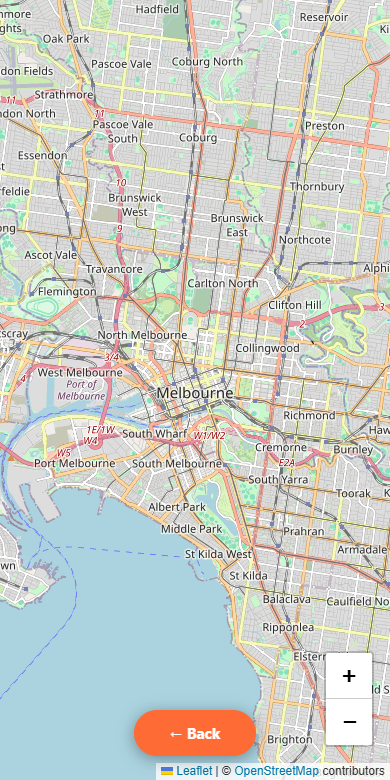
Browse the truck map or explore the listings near you.
 Food Truck
Local trucks. Good food.
Know where to find it.
Check menus, find trading spots and see what’s on near you. On your phone or right here on the web.
No digging through old posts to find a trading time. Start with a truck, check its details and plan your stop.
Browse the truck map or explore the listings near you.
See what’s cooking and check the truck’s published schedule.
Pick your stop. Check the latest details before heading out.
Discover food trucks, explore their menus and plan where to go. Browse on the web or take Food Truck Finder with you on your phone.
Explore food trucks →Browse trucks and filter by location, range and cuisine. Check trading details before heading out.
Open the truck map to explore an area. Check the latest published locations before heading out.
Explore the details each owner has published, including menus, schedules and social links.
Browse published food truck events and check their details.

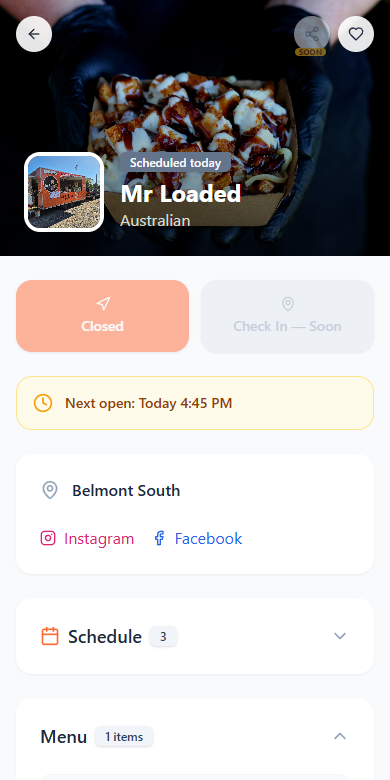
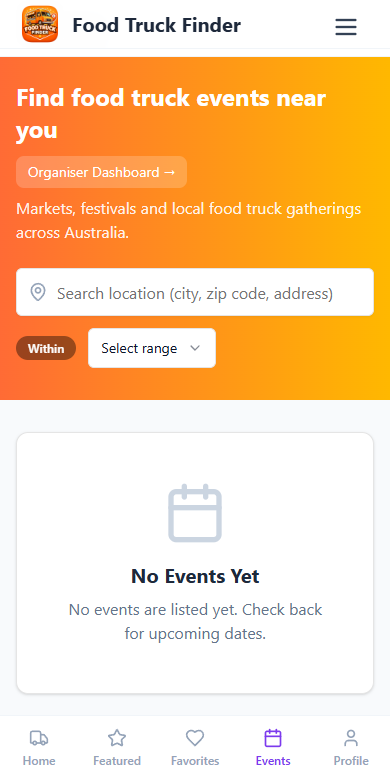
Choose a screen · Scroll to explore
Give customers one place to find your food truck, browse your menu and check your upcoming locations. Take a look at the steps below before setting up your profile.
Get started as a food truck →Create a Food Truck Finder account, then follow the owner application and approval process. Your customer login and truck setup are separate steps.
Add your truck details and the food you serve. Make it easy for customers to recognise you.
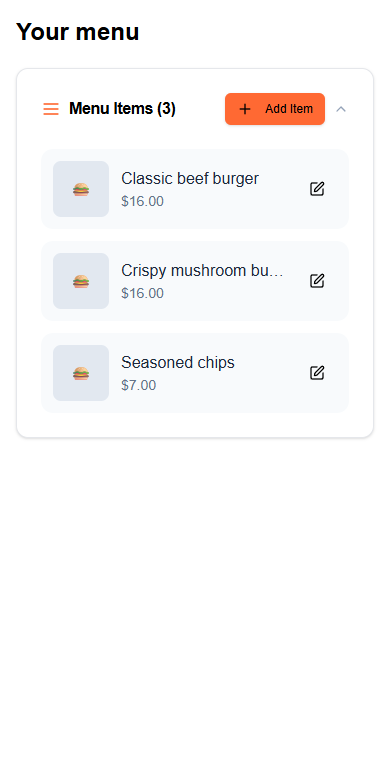
Keep your menu items and prices together. Help customers decide what to order.
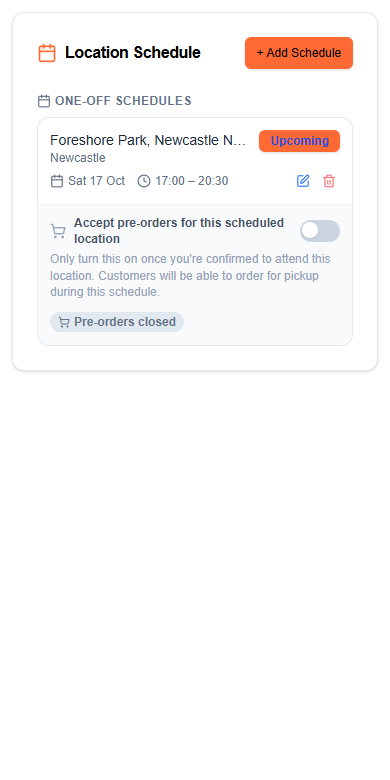
Add your trading location, date, start time and finish time. Keep upcoming stops current so customers can plan their visit.
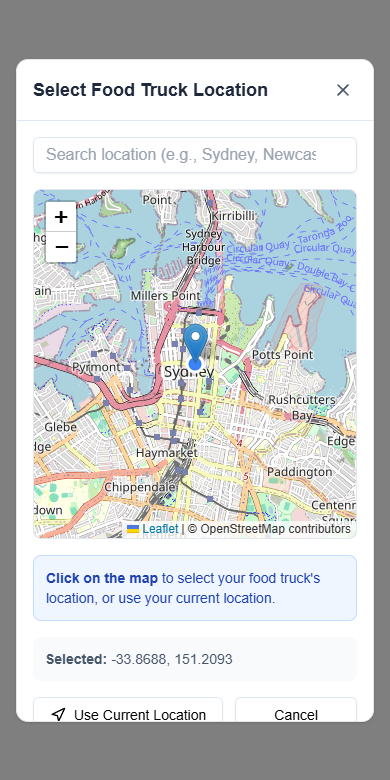
Use the location picker to choose a position and check the pin before confirming. Keep your published location and schedule current.
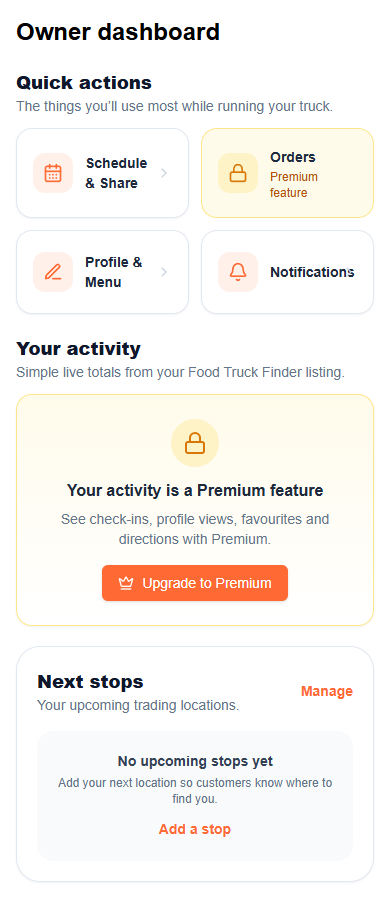
Manage your profile, menu and trading stops from your dashboard. Keep your details up to date from one place.
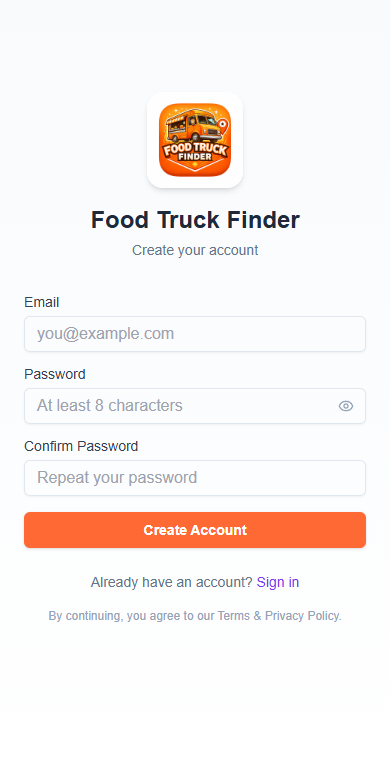
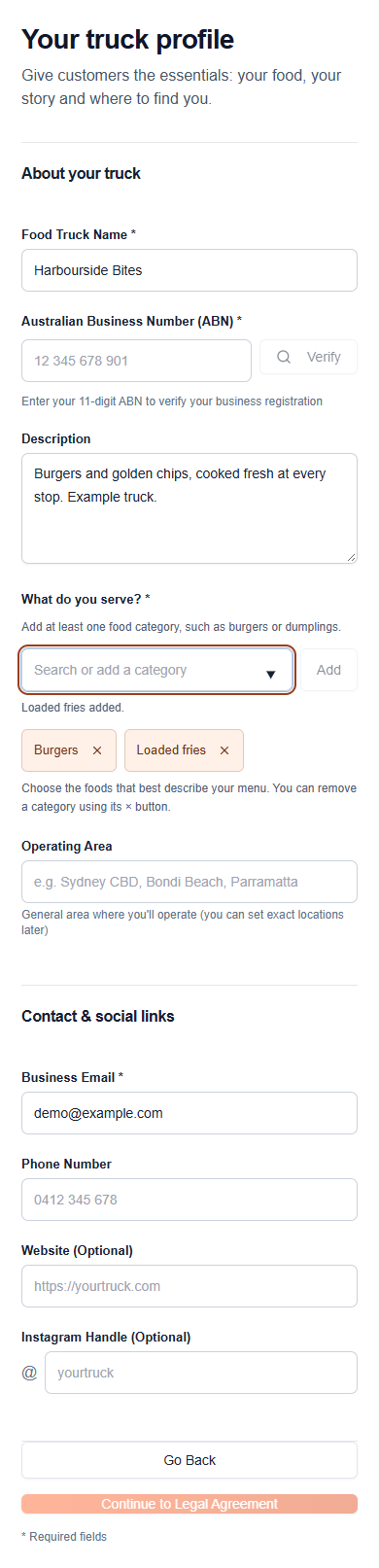
Choose a step · Scroll inside the phone
Square connections and food pre-orders are the next part of the owner experience we’re working on.
Square & pre-orders · In testing
Connect the account you use for your truck. Native-app connection and payment security are being verified.
Planned: import your Square items into FTF and confirm the details before they appear on your profile.
The goal: customers order ahead, and you see what’s coming. Wider release follows payment and order testing.
Running a market, festival or community event? Give people one place to find the date, venue and food truck line-up. Apply as an organiser, then manage the details through your FTF dashboard.
Apply as an organiserCreate an FTF account, then apply as an event organiser. Organiser access requires approval.
Add your contact details, business verification and the places you run events. Keep everything together in one application.
Approved organisers can manage events and review food truck requests from the organiser dashboard.
Add the venue, dates and times, a description, photos and practical details such as parking and accessibility.
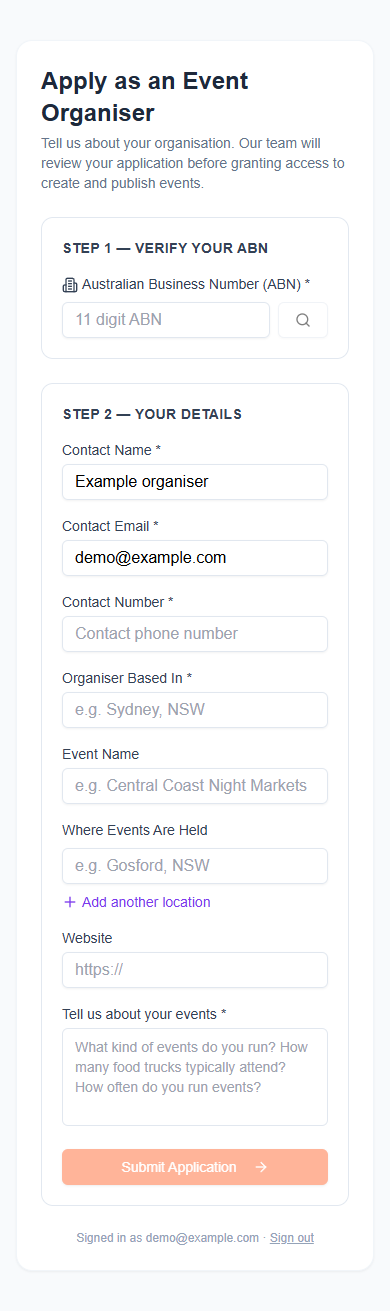
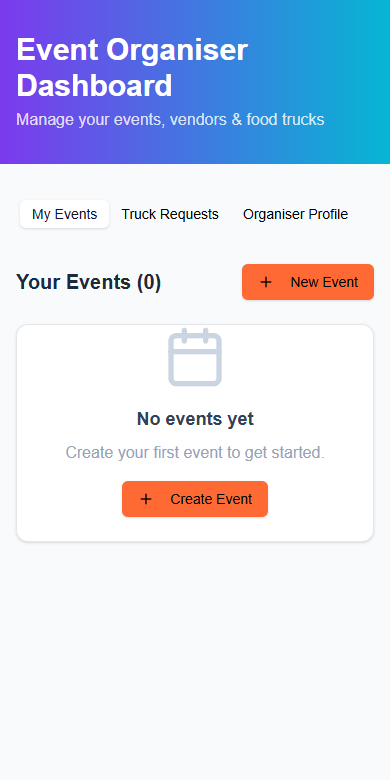
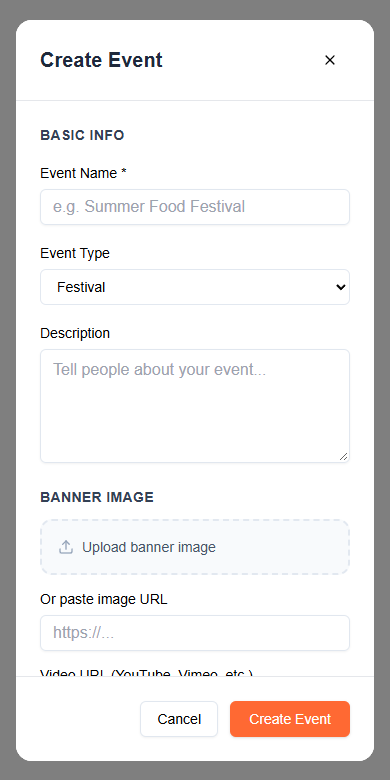
Choose a step. Scroll inside the phone.
From a weekday lunch stop to a weekend by the water. Browse a city, then check the latest trading details.
Meet the businesses supporting the Food Truck Finder community.
Meet our partnersFood trucks, menus, trading times and local events.
Take Food Truck Finder with you.
Yes. Open the web app to browse trucks, menus and published trading schedules.
Start with the food truck application. Once approved, set up your profile, add your menu and keep your trading locations and times up to date.
List your truckApply as an event organiser. Approved accounts can create and manage event listings through their dashboard.
These are being tested before wider release. The Social Lab currently supports preparing sharing graphics and links; connected publishing, Square integration and pre-orders are not being advertised here as ready for every truck.
Your next stop.
Your next post.
Turn a trading schedule into something worth sharing.
Social Lab brings your truck, trading times and FTF link into a ready-to-share graphic. Choose a square post or a taller Story layout, then keep your customers in the loop.
In admin testing
How will Facebook & Instagram sharing work?
The current lab creates graphics and prepares links for sharing. Connected automatic publishing is still being developed and verified. Facebook supports clickable links; Instagram Stories need a Link sticker, and ordinary feed captions do not make links clickable.
Loaded up.
See you Friday.
Featuring Mr Loaded
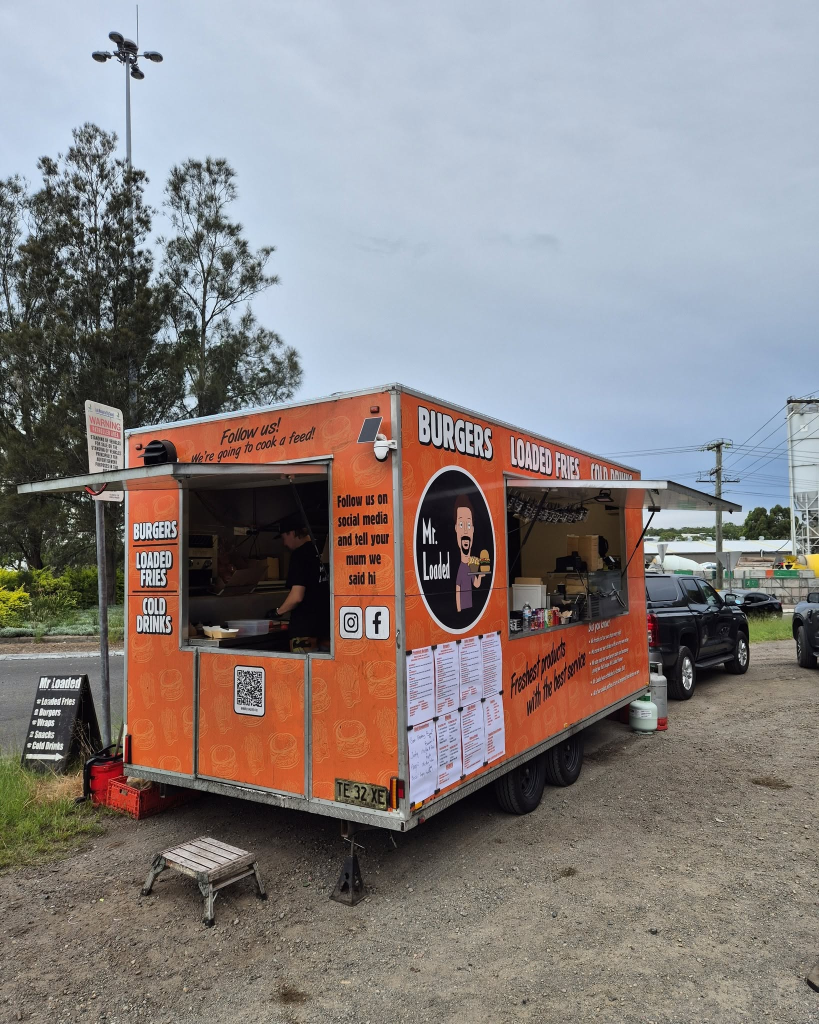
Burgers, loaded fries and more from Lake Macquarie. Visit Mr Loaded’s website and follow the crew for their latest trading updates.
Example sharing design · No post has been published